
Upgrade Knowledge Hub
Built from hands-on experience with European vehicle electronics, retrofits, diagnostics and performance upgrades, our Knowledge Hub provides practical technical information—not generic buying advice.
Our guides explain how products and vehicle systems work, how to identify the equipment already fitted to your car, and which compatibility, coding and installation details matter before you order. The aim is simple: to help you properly understand the upgrade and make a confident, informed decision.
Browse Our Guides
-

How Eventuri Develops Carbon Fibre Intake Systems
Read GuideDiscover how Eventuri takes a vehicle-specific intake from 3D scanning and CFD analysis through prototype airflow testing, temperature logging, dyno validation and prepreg carbon production.
-
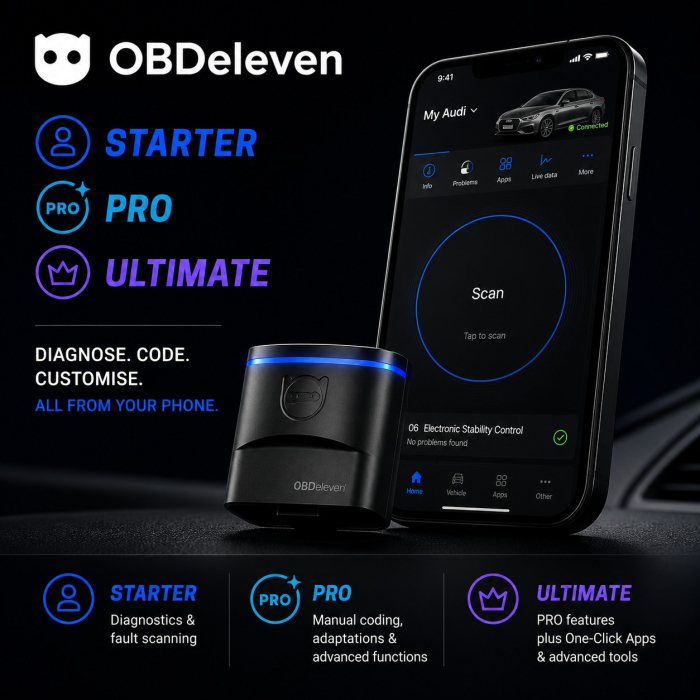
OBDeleven 2 NextGen Starter vs PRO vs ULTIMATE: Which Pack Do You Need?
Read GuideThe OBDeleven device is the same in all three packs, but the included software access is not. Compare Starter, PRO and ULTIMATE before choosing the right pack.
-
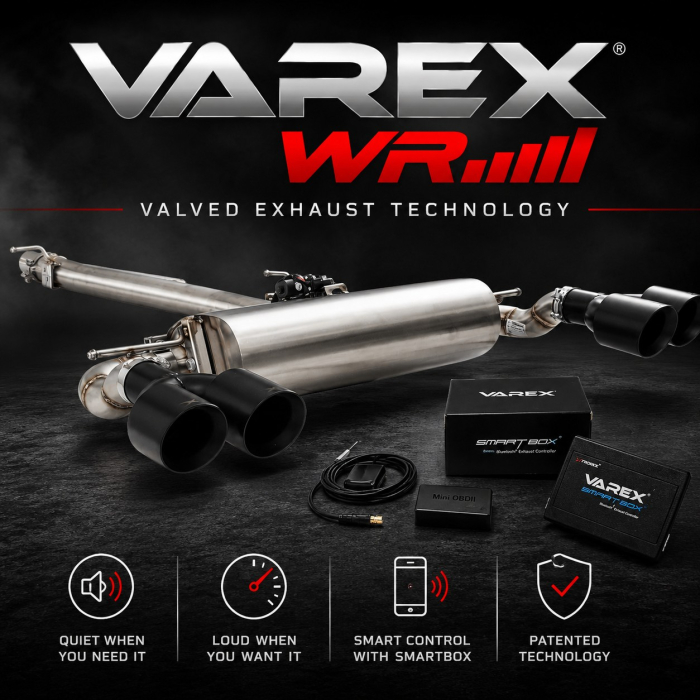
What Is XForce VAREX? How the Valved Exhaust System Works
Read GuideXForce VAREX lets one exhaust switch between a quieter chambered path and a more direct performance path. Here is how the valve and SmartBox work.
-
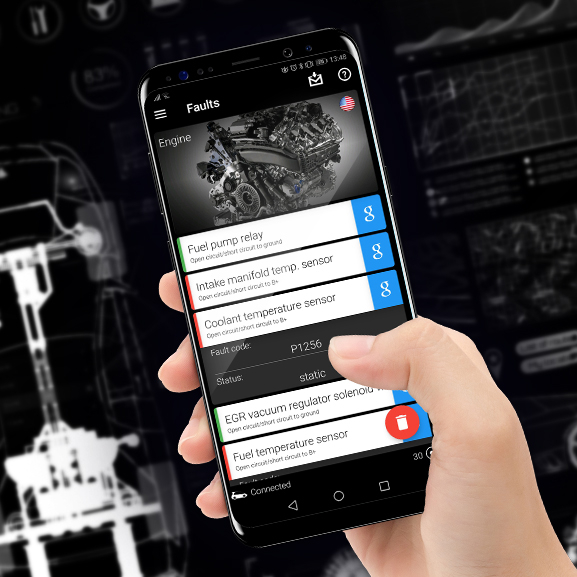
DIY OBD2 Diagnostics: Understand Vehicle Fault Codes and Scan Your Car Yourself
Read GuideLearn how to scan and interpret your car’s OBD2 fault codes at home using easy DIY tools. Whether you want to fix issues yourself or just understand what’s wrong before heading to a mechanic, this guide gives you everything you need. And if DIY isn’t your thing - we can diagnose it for you too!
-
-
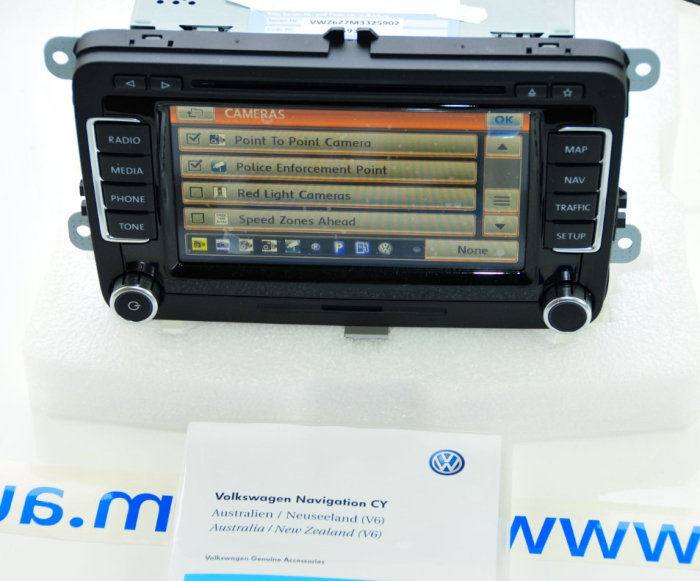
RNS 510 Firmware upgrade
Read GuideThe following firmware (1) , improves the functionality, such as FM Radio Text, and stability of the RNS510 however as it was compiled after the Touareg ceased using the RNS510, it no longer has support for the Touareg Reversing Camera module and as a result the software load will cause the Reversing
You can browse all the guides here: DIY Guides & Product Knowledge
What information will I find in the Upgrade Knowledge Hub?
The Knowledge Hub contains practical articles about European vehicle electronics, retrofits, infotainment systems, diagnostic tools and performance upgrades. Our guides explain how products and systems work, how to identify what is fitted to your vehicle and what to consider before selecting an upgrade.
Can these guides help me choose the correct product?
Yes. Many of our guides are written to help you identify your vehicle’s existing system, understand the differences between available products and recognise important compatibility requirements.
A guide may help narrow down the correct option, but the product page should still be checked for vehicle-specific fitment, production dates, required factory equipment and other compatibility conditions.
How can I identify which system or component is fitted to my vehicle?
Depending on the product, identification may be based on the vehicle model and production date, the appearance of the existing system, software information displayed on the screen, the current component part number or the vehicle identification number.
Our system-identification guides explain where to find this information and how to distinguish between similar versions.
Why might you need my VIN or existing part number?
European vehicles can use different components and system versions within the same model and year. A VIN can help identify the vehicle’s original specification, while the existing part number can confirm the exact component currently fitted.
Providing both where available gives us a stronger basis for checking compatibility and reduces the risk of ordering a product intended for a different vehicle configuration.
What do the “Coding Required” options mean?
Some upgrades must be electronically configured after installation so the vehicle recognises the new component or activates the new function. Our listings use three coding options:
- No – Vehicle coding is not normally required after the product has been correctly installed.
- Yes – Coding is required and cannot be completed by us remotely. The vehicle must be brought to Euro Car Electronics for the necessary coding or programming.
- Online – Coding is required, but our team can complete it remotely. At an arranged time, suitable diagnostic equipment is connected to the vehicle and an internet-connected Windows laptop. Our technician then securely accesses the computer and carries out the required coding.
Online coding is a live remote technician service. It is not an automatic over-the-air update. The required equipment and preparation depend on the product and vehicle and will be confirmed before the session.
Does an article guarantee that a product will fit my vehicle?
No. Knowledge Hub articles provide general technical and product guidance, but vehicles can differ according to production date, market specification, factory options, previous modifications and the equipment currently installed.
Always review the individual product page and provide the requested vehicle details, VIN, part number or photographs where a compatibility check is required.
Where can I find information about warranties and returns?
Warranty claims, product assessments, returns and consumer guarantees are explained on our Warranty Support, Returns & Consumer Guarantees page.