Find Parts that fit Your Car
Selected vehicle:
BMW maps
To check the map version in your BMW, go to your iDrive Navigation View, open the Settings Menu and scroll down to Navigation System Version. You will see the region, map type and year of your current map.
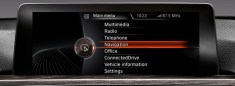
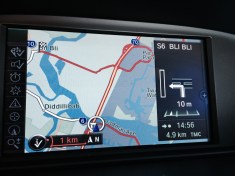
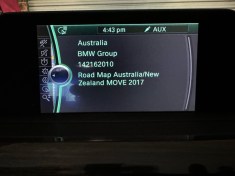
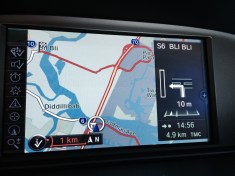

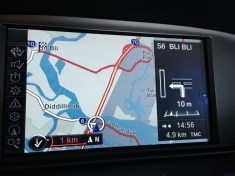
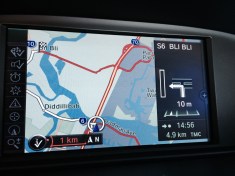
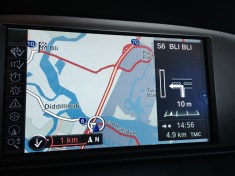
Find the Map Family in iDrive
Look for the map family on your iDrive version screen, then select the matching BMW update.
BMW Map Update FAQs
Where do I find the map family in iDrive?
Open the navigation map-version information and look for the family name beside the region and edition, such as PREMIUM, NEXT, EVO or WAY.
Is a VIN enough to identify my navigation system?
It helps identify the original equipment. If the head unit has been changed, send the map-version screen as well so we can match what’s actually fitted.
Will a BMW activation code work on another vehicle?
Order for the intended vehicle and update. Check the listing for what information is needed to supply the correct activation.
- Best Seller
-
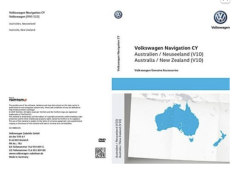
2021 VW RNS 510 GPS Navigation DVD Australia & NZ Maps OEM Final Map Update
Special Price $110.00 Regular Price $175.00 -
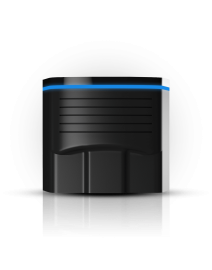
NextGen OBDeleven 2 PRO Pack OBD2 Diagnostics Coding Tool
Special Price $139.00 Regular Price $279.00