
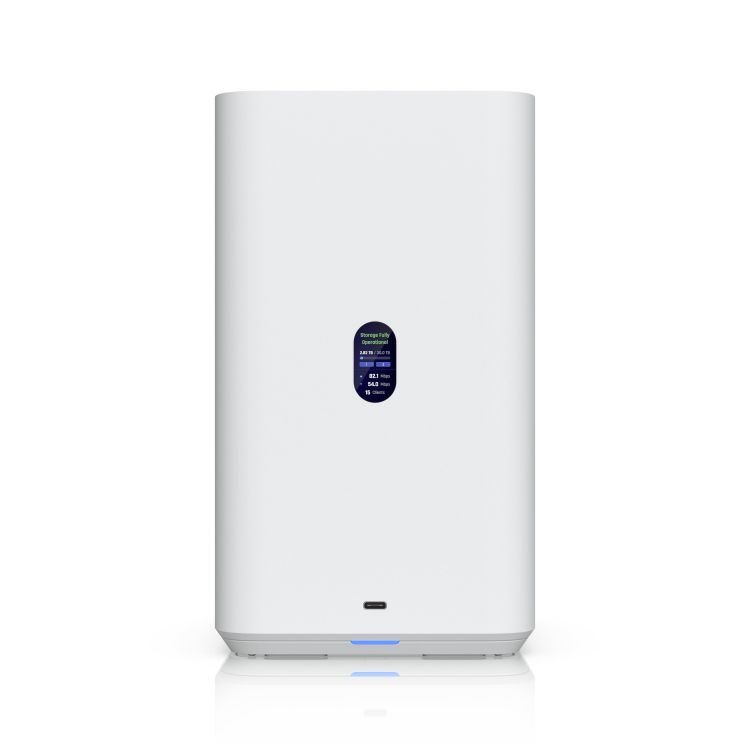
UNAS 2 White 2 HDD NAS UniFi Ubiquiti
Brand
Ubiquiti
biquiti UNAS 2, White, UniFi Network Attached Storage (2) 3.5" HDD Bays, 2.5 GbE Networking, USB-C Connectivity, Included PoE++ Adapter, Compact
Ubiquiti UniFi UNAS 2 2-Bay Desktop NAS - White - 2.5GbE Network File Storage with UniFi Drive
UniFi UNAS 2 – White (UNAS-2-W) is a compact, purpose-built network-attached storage solution designed to integrate seamlessly into the UniFi ecosystem. Running UniFi Drive, it provides secure, centralised file storage and sharing with a clean, modern interface suited to homes, small offices, and professional workspaces.
With support for up to (2) 3.5" hard drives, the UNAS 2 offers flexible capacity for backups, shared documents, media libraries, and collaborative workflows. The white enclosure is ideal for visible installations where a minimal, unobtrusive design is preferred.
Managed entirely through UniFi Drive, the UNAS-2-W enables straightforward user access control, snapshots, encryption, and remote access without the complexity of traditional NAS platforms. It is an excellent choice for users who want reliable storage that feels native to their UniFi network.
Technical Specifications
Overview
| Model | UNAS-2-W |
| Form Factor | Desktop NAS |
| Drive Bays | (2) 3.5" HDD bays |
| Application | UniFi Drive |
| Colour | White |
Hardware
| Networking Interface | GbE RJ45 Ethernet |
| Power Method | External power adapter |
| Cooling | Active cooling |
| Button | Factory reset |
Software
| File Protocols | SMB |
| Data Protection | Snapshots, encryption |
| User & Group Management | Yes |
| Remote Access | Yes (via UniFi Drive) |
| OEM Part Number | NHU-UNAS-2-W |
|---|---|
| Brand | Ubiquiti |
| Condition | Brand new |
Note:
Installation & Configuration
Professional installation and configuration are available through Euro Car Electronics. If you prefer to have this product professionally fitted, our team can assist with installation and any required vehicle setup.
Enquire about professional installation ↗
IMPORTANT: Some products require professional installation or specific installation procedures. Please review the product information and our Warranty Support & Returns ↗ information before installation.